
Usually we select ENTIRE column rather than the data column. That leads to many side effects including applying unnecessary formatting to millions of rows or thousands of columns. Tables make it extremely easy to select only the data in a column. See for yourself.
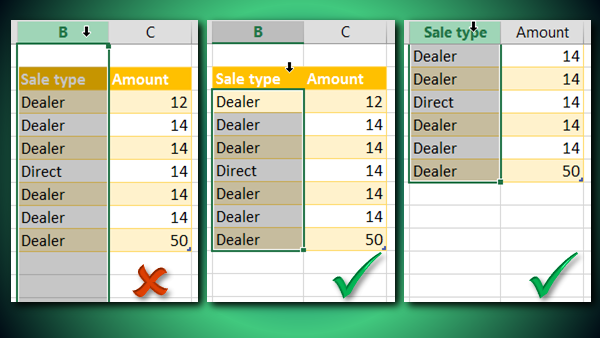
Just hover the mouse cursor over the column name in a table and click. It selects only the data in the column – not the entire sheet column. Even if there are empty cells in the column, the entire data column will be selected. To select a table row, right click and choose Select – Table Row.
Now you NEVER need to select entire columns and rows across the sheet.


