This is a common concern amongst customers. Many countries have a requirement that their data should be physically stored within a data center located in their country. Here is a simple way to find out where exactly your data is stored in Power BI.
The steps
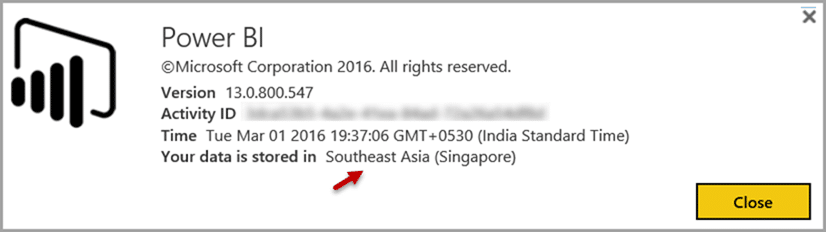
Login to Power BI Portal and click on the Help (Question Mark) button. Choose About Power BI option.

Where is Power BI data stored?
Now it shows a dialog which displays the actual country in which your data is stored. Of course, if you want to change that location, you will need to talk to your Microsoft account manager or partner.