As we know by now, sending mails with attachments is generally a bad idea. We also know that storing the file on the cloud – using OneDrive and sending a link is a more convenient option. We refuse to change our behavior in spite of knowing the benefits of the new way of file sharing. So Microsoft changed its product to suit our lack of flexibility.
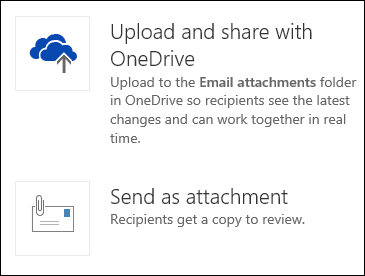
Now you create a new mail, click on the Attach button, choose the file from local PC as usual – and NOW Outlook Web Access asks you a simple question. Do you really want to ATTACH the file or should I store it on OneDrive and send a shared link? You just have one click to decide that. Just choose the OneDrive option and you get all the benefits.
Simple, effective – yet ignored. Start using it!