
New line within a cell and partial formatting

new line within a cell

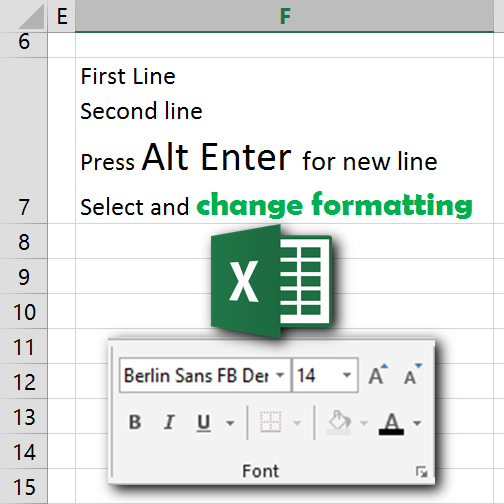
Press Alt Enter to get a new line within a cell. Many formatting options are available while editing cell contents. Select part of the content and apply formatting as desired. Notice that only font, font size, bold, italic, underline and font color can be changed.
Background color and border can only be changed for the entire cell.


Queries | Comments | Suggestions | Wish list

Subscribe to Blog

Join 1,748 other subscribers

Popular articles

Use the power of Free Microsoft 365 Copilot to work more efficiently and grow faster in your career.

Excel to Power BI Course

Learn Power BI using the concepts you already know in Excel. Fast transition, in-depth coverage and immediately usable.

Pivot Table Pro Course

Yes. You use Pivot Tables everyday. Now it is time to find out the real power and nuances. 5.5 hours video, exercises, samples, Q&A.
