
Seven ways to use PowerPoint Copilot
PowerPoint Copilot is amazing. Here is my first review of seven useful scenarios. Copilot uses ChatGPT behind the scenes in a secure way. Your data is not used for training

Work Smarter, Grow Faster
PowerPoint Copilot is amazing. Here is my first review of seven useful scenarios. Copilot uses ChatGPT behind the scenes in a secure way. Your data is not used for training
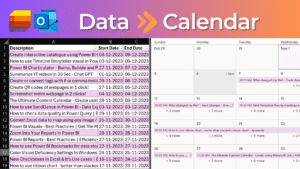
Create Calendar from any data. It could be CSV or Excel data. We will see two methods – using Outlook or using Lists. Both methods are easy to use and
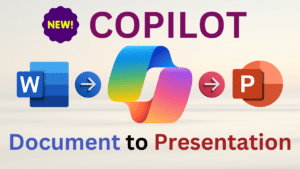
Learn how to use Microsoft Copilot in PowerPoint Convert a Word document to PowerPoint automatically. Also learn an alternative way of exporting Word to PowerPoint. Understand the pros and cons

We have been using Google for decades. But here are 10 Best Practices to use it even more effectively. Less results and more precise results. Content

Create a visually appealing list of products, services, parts, people, videos, documents and more … use the Power BI visual – Card Browser. Also learn about the new Slicer visual.

Elevate your data storytelling – Use Timeline Storytelling visual by Microsoft in Power BI. Create story elements, present as a sequence. Interact visually. Convert boring data into insightful and interesting

Charticular is a versatile #powerbi visual. We will learn how to create three types of charts – bump, bubble and pictogram. Download sample file and follow along Contents Related videos

Stop copy pasting tables from documents. Use reusable tables. Create Quick tables from existing tables and use them across Word. Also available in Outlook. Related Videos Word Tables Best Practices

Type tags and get comma list and # list instantly. Have comma list? Convert it to # list and vice versa. Also learn how to use the new and powerful


